
creative collaboration
Design Review Software
for Modern Creative Teams
Review designs, collect visual feedback, compare versions, and move creative work from review to approval in one place.
What Makes Design Review Difficult
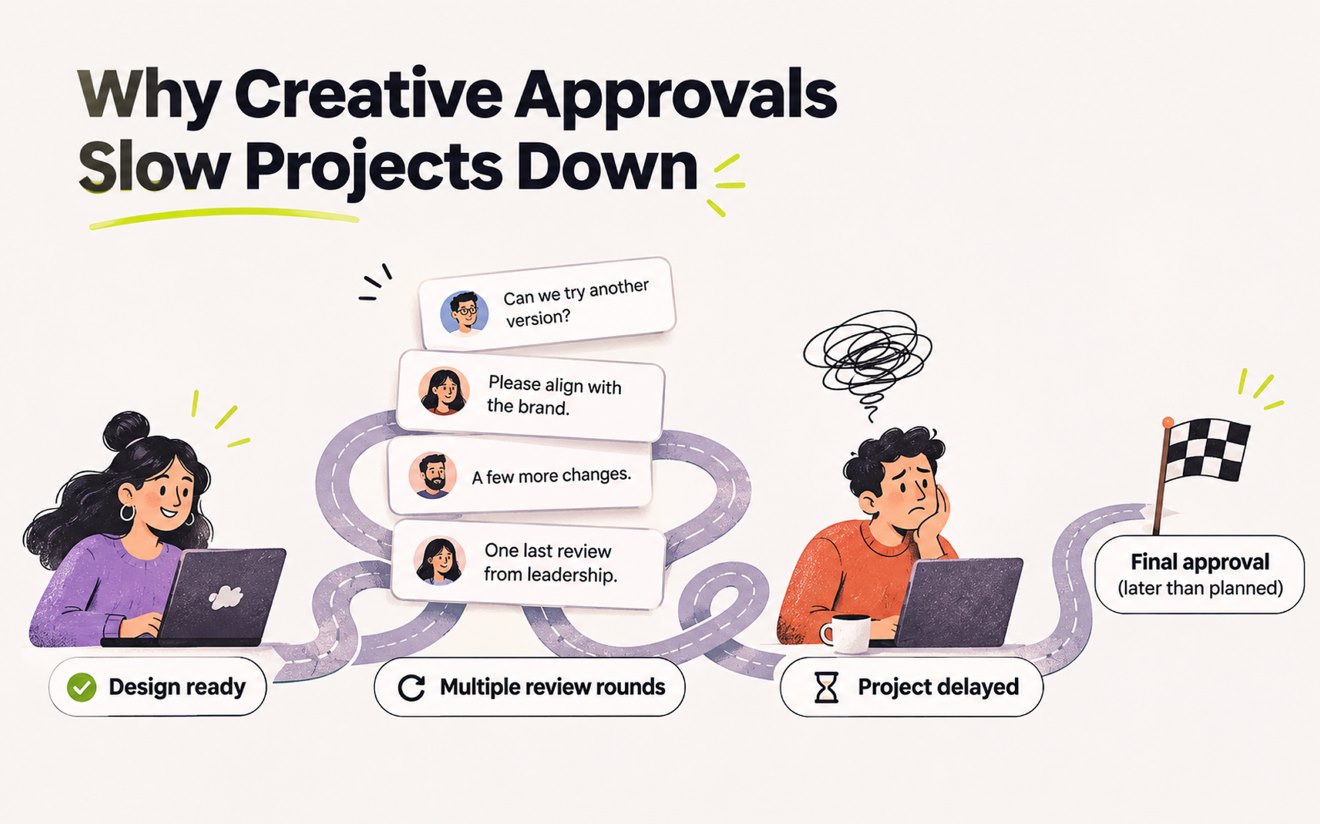
Why Design Review Gets Complicated
Design review becomes difficult when feedback is scattered across tools, files, messages, and versions. Revue keeps the review process connected to the creative work.
Learn moreVisual Annotations
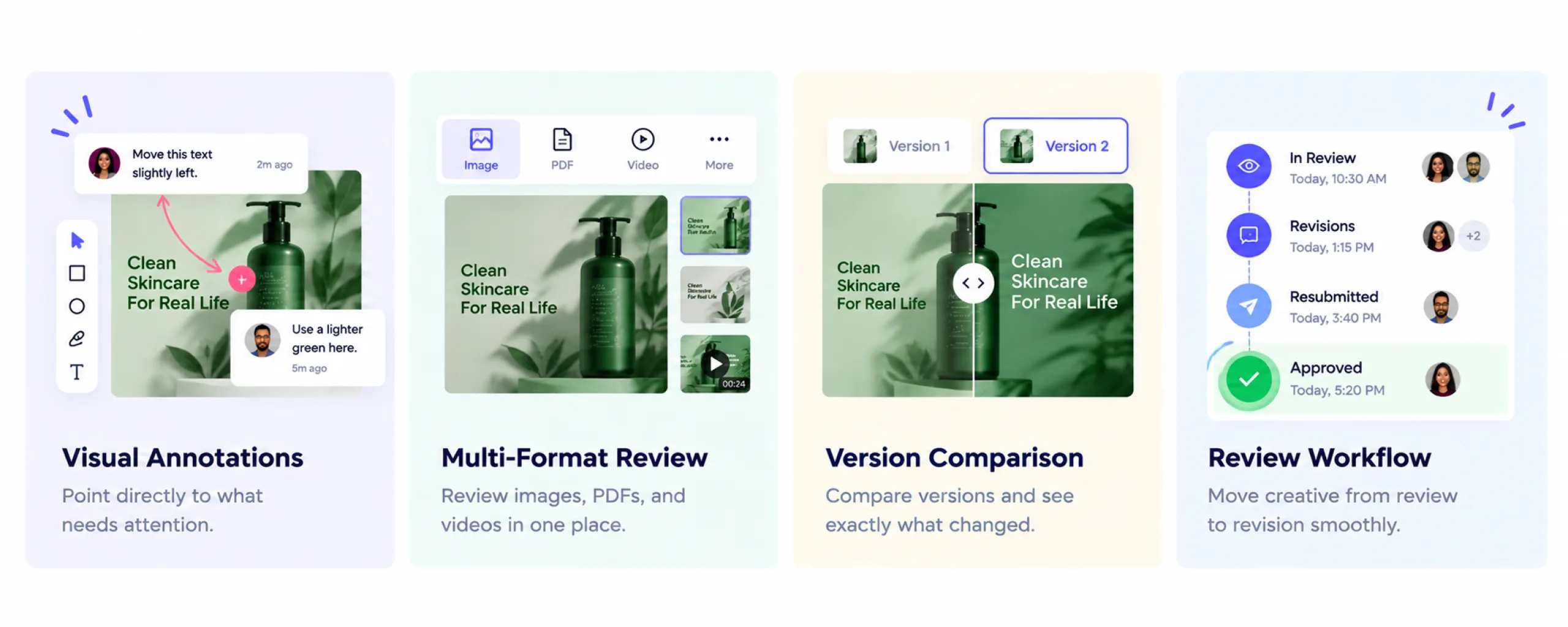
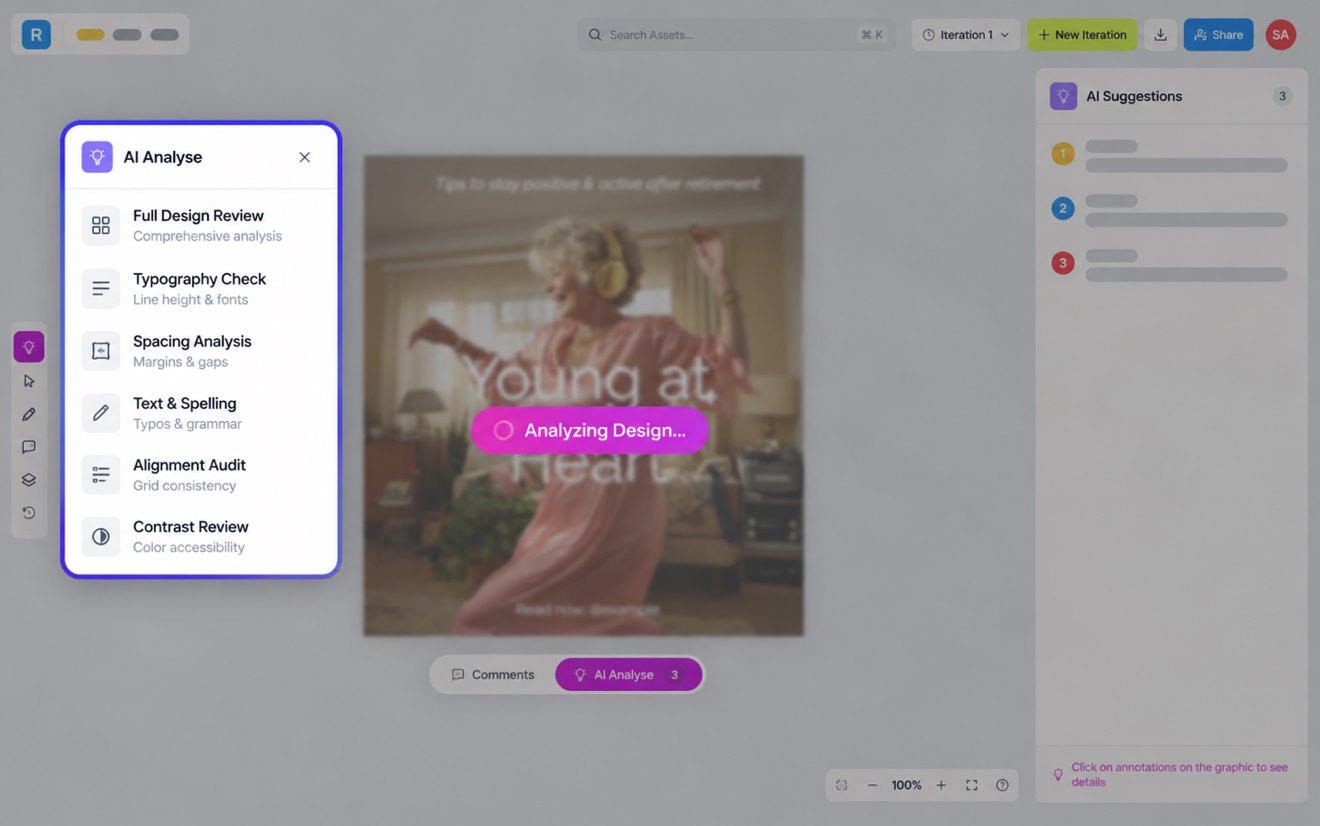
Give Clear Feedback With Visual Annotations
Point directly to the part of a design that needs attention, making feedback easier to understand and faster to act on.
Learn more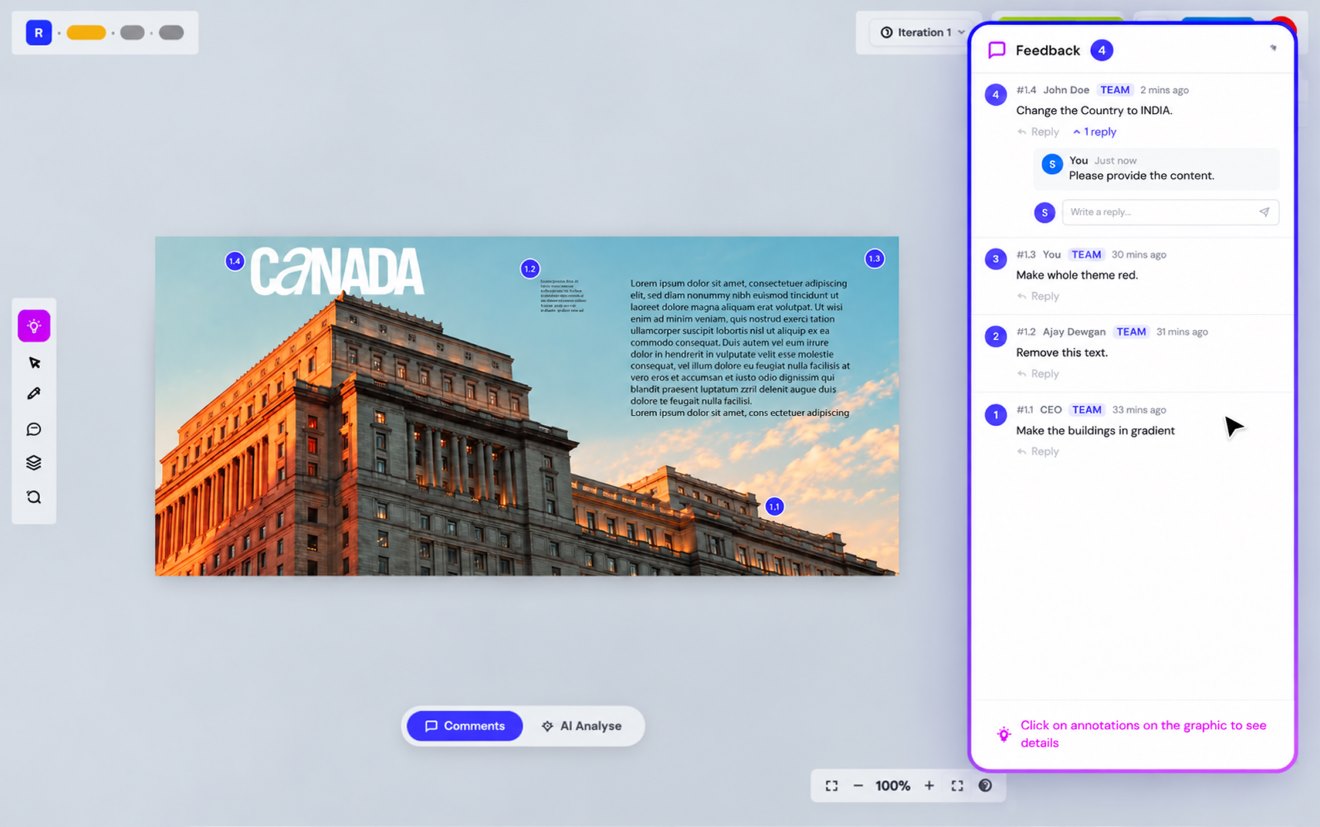
PDF Review
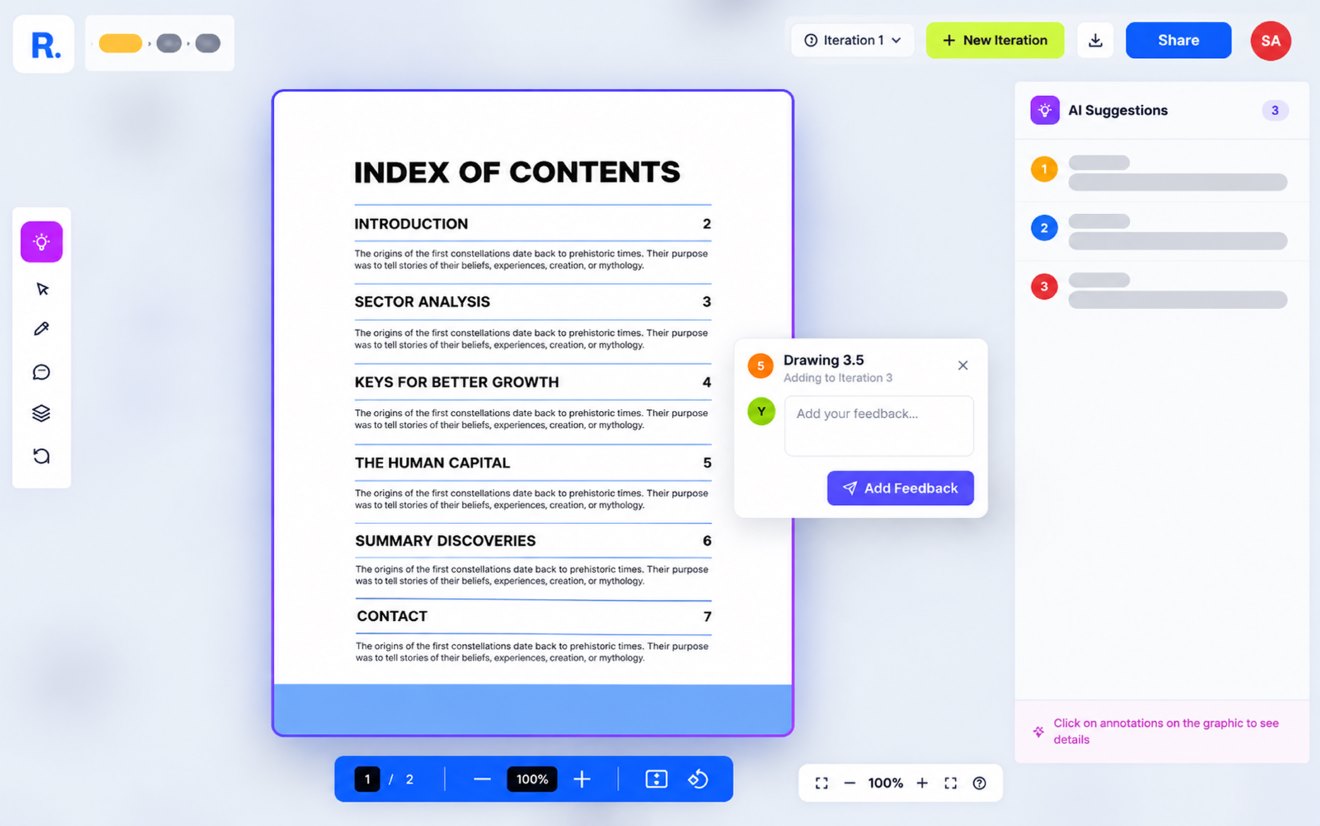
Review PDFs Without Losing Context
Review PDF designs in one place with comments and annotations connected to the work and its version.
Learn moreImage Review
Review Images With Contextual Feedback
Review images visually, add comments where needed, and keep every piece of feedback connected to the creative.
Learn more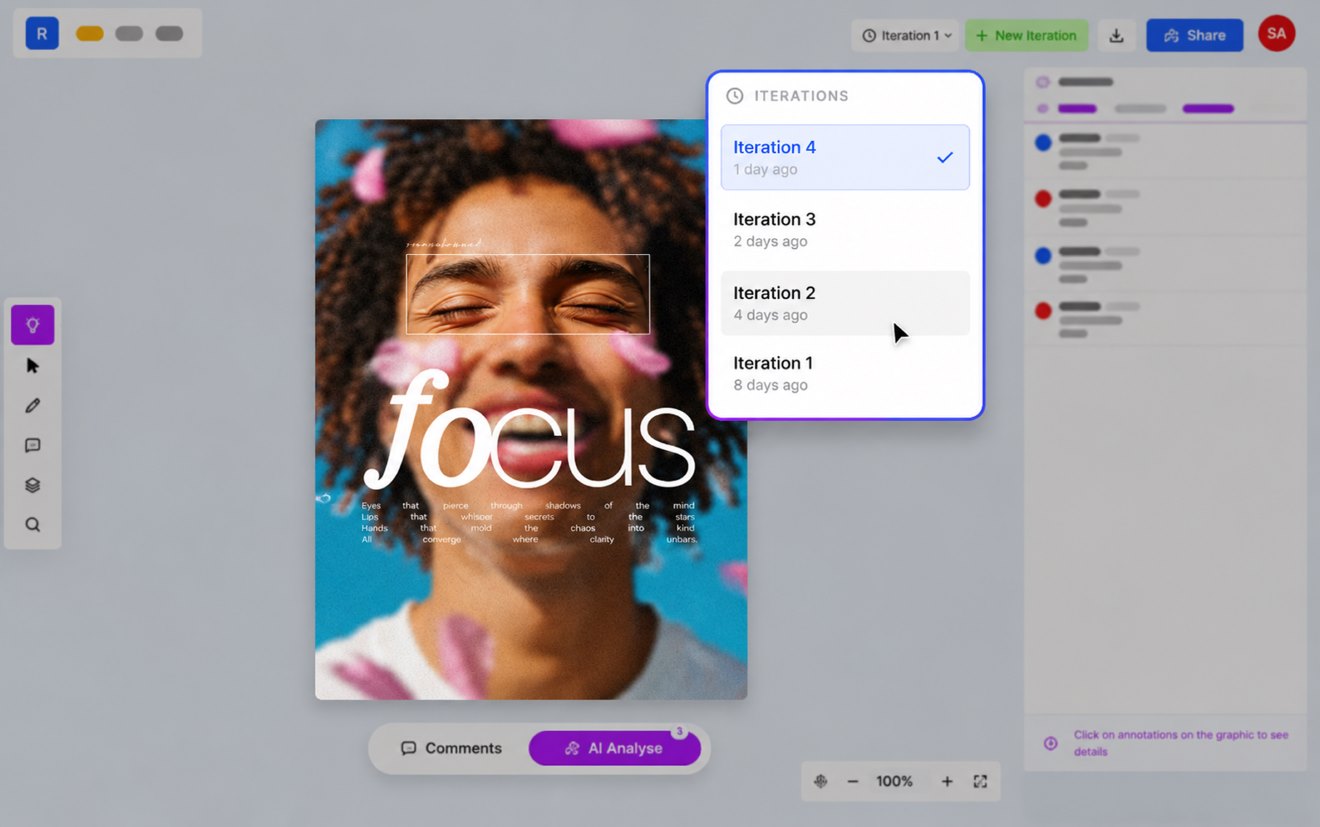
Video Review
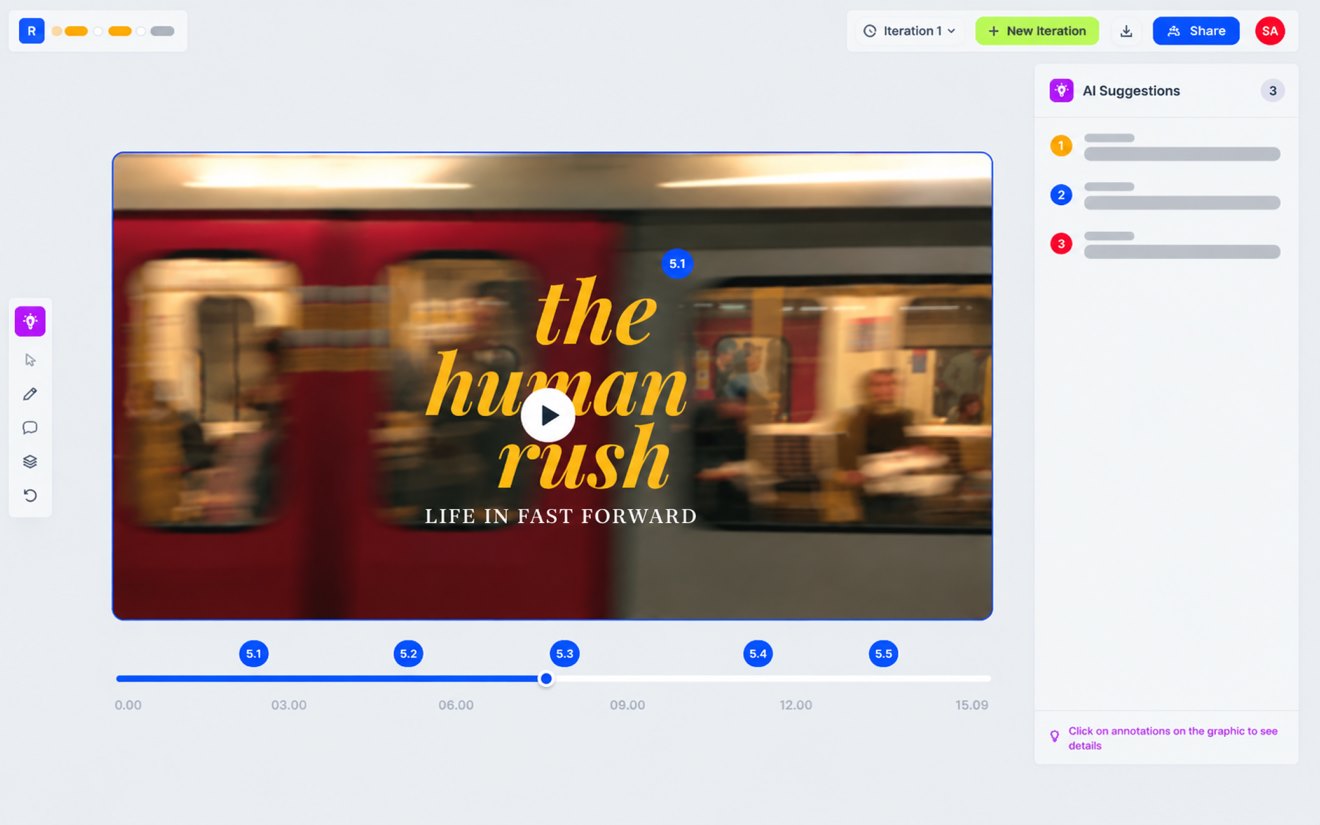
Review Video Creative With Precise Feedback
Give feedback on video creative while keeping comments and review discussions connected to the work.
Learn moreVersion Comparison
Compare Design Versions Without the Guesswork
See what changed between versions so your team and clients can review revisions with greater clarity.
Learn more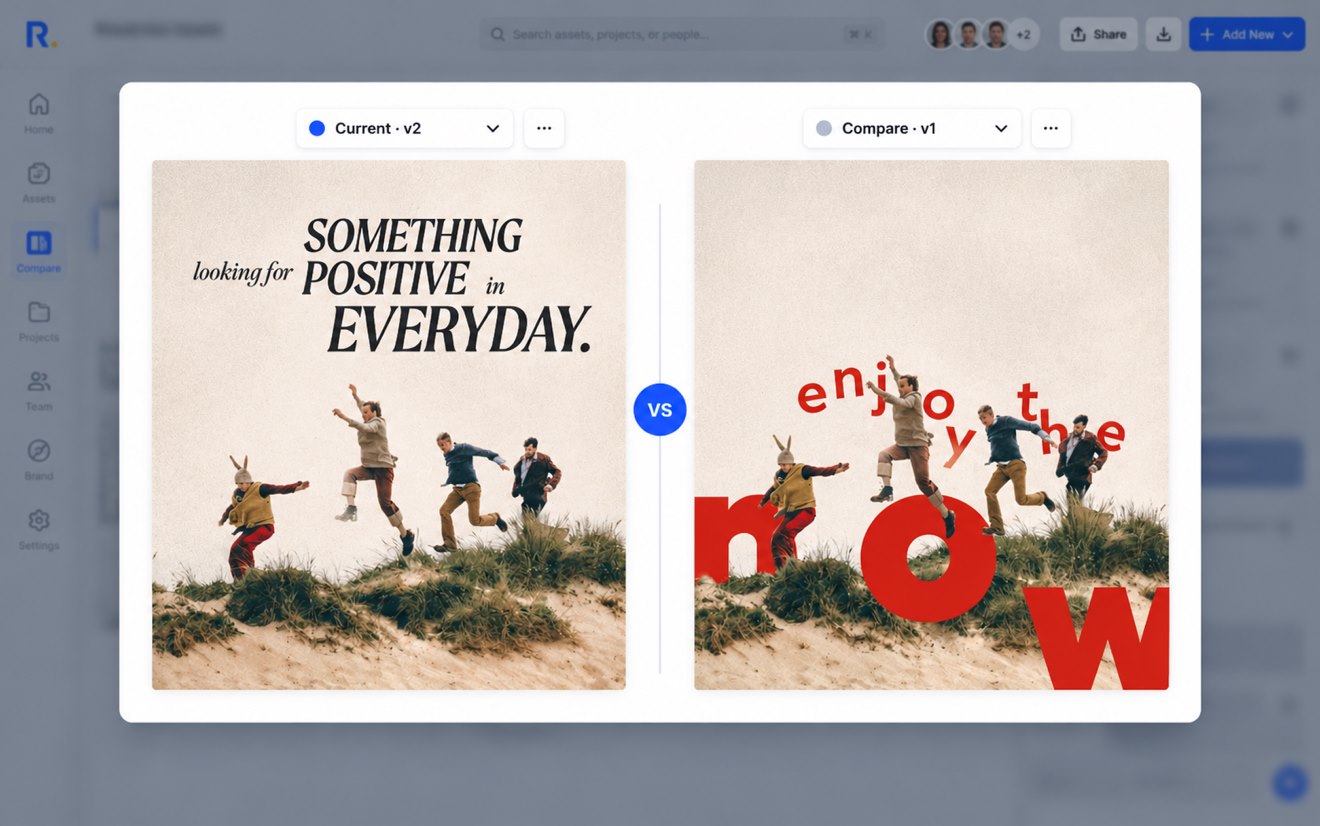
Internal Review
Review Designs Internally Before Client Review
Give your creative team a dedicated review stage to align on the work and catch issues before client feedback begins.
Learn moreClient Review
Make Client Design Review Simple
Give clients one place to review creative, add visual feedback, respond to comments, and keep the conversation connected to the work.
Learn more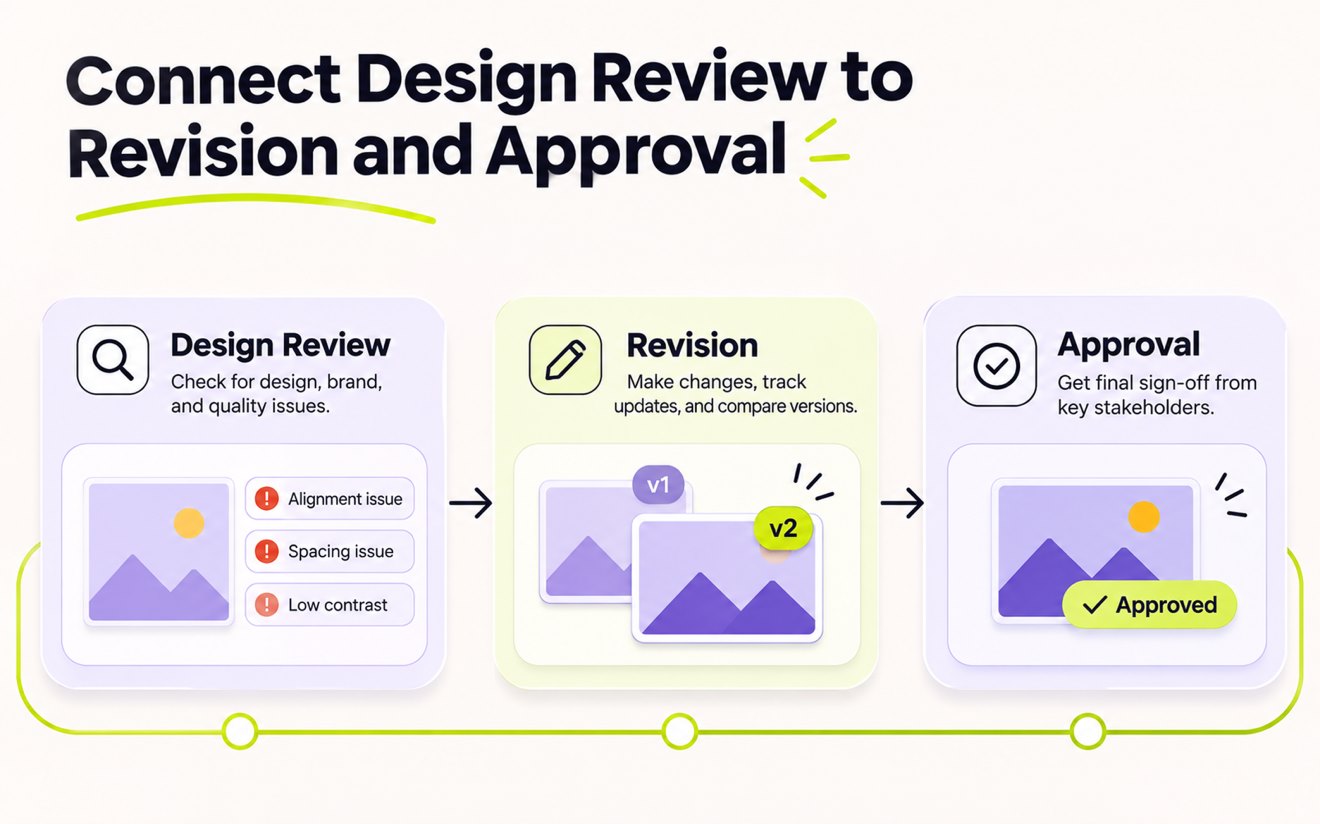
Review → Revision → Approval
Connect Design Review to Revision and Approval
Turn feedback into revisions and move approved creative forward without losing the context between review, changes, and final sign-off.
Learn moreCommon questions
Everything you need to know about Revue, creative workflows, reviews, and approvals.
Still have questions? Talk to Sales


